Free, forever

A FREE Shopping List Button For Your Website

The easiest way to let your visitors save recipes, ingredients, and shopping items.

<!-- Add to your HTML --> <script type="text/javascript"> listonic_content = '400g spaghetti<br/>200g pancetta or guanciale<br/>4 large egg yolks<br/>100g Pecorino Romano<br/>Black pepper to taste'; listonic_name = 'Pasta Carbonara'; document.write("<iframe class='listonic_ifrm' frameborder='0' scrolling='no'> </iframe>"); </script> <script src="...button.js"></script>

Pasta Carbonara

⏱️ 30 min 👨‍🍳 Medium 🍽️ 4 servings
Ingredients
  • 400g spaghetti
  • 200g pancetta or guanciale
  • 4 large egg yolks
  • 100g Pecorino Romano
  • Black pepper to taste
Trusted by

Live Demo

Click the button to generate a list and add all items from the recipe.

  • Items are added instantly to your list
  • Works on mobile and desktop
  • Syncs across all your devices

French Toast

⏱️ 15 min 👨‍🍳 Easy 🍽️ 2 servings
Ingredients
  • 4 slices of bread
  • 2 eggs
  • 1/4 cup milk
  • Butter for cooking

Simple. Personalized. Free.

Everything you need to add shopping list functionality to your website in minutes.

2-Minute Setup

Copy and paste a simple code snippet. No technical knowledge required.

<!-- Add to your HTML --> <script type="text/javascript"> listonic_content = 'Milk<br/>Eggs'; listonic_name = 'My List'; document.write("<iframe class='listonic_ifrm'> </iframe>"); </script> <script src="button.js"></script>

Full Customization

Match your brand with custom colors and styling options.

Primary Brand Color
#54AB26
Custom
Button Styling
Rounded corners, custom text
Active
Font & Size
Match your website fonts
Set

Free Forever

No hidden fees or premium tiers. Completely free with unlimited usage.

$0
Forever free, no limits
  • Unlimited requests
  • Unlimited users
  • Full customization
  • Email support included

Trusted by developers worldwide

20M+ Users
Trusted by millions of users worldwide who use Listonic daily for their shopping needs.
+250K 5-Star Reviews
Our Listonic app has earned over 250,000 five-star reviews from satisfied users worldwide.
40+ Languages
Reach a global audience with support for over 40 languages and locales.
50M+
Over 50 million products are added to shopping lists every day through our platform.

Which Listonic Button Works for You?

Choose the button that matches your website's needs and workflow.

2-min integration ⚡

Custom Add-to-List Button

Define exactly what items to add to the shopping list. Perfect for recipes, meal plans, or any predefined list of products. Add this code to any page where you want the button to appear.

  • You specify the exact items to add
  • Full control over styling and placement
  • Works with any HTML structure
  • One-click adds all items instantly
<!-- Listonic Add-to-List Button --> <script type="text/javascript"> // Items to add (HTML supported) listonic_content = 'Milk<br/>Eggs<br/>Bread'; // Optional: Custom list name listonic_name = 'My Shopping List'; // Button container document.write("<iframe class='listonic_ifrm' frameborder='0' scrolling='no'></iframe>"); </script> <script src="https://s3-eu-west-1.amazonaws.com/buttons.listonic.pl/v1/button.js"></script>
Customize your button
2-min integration ⚡

Automatic Add-to-List Button

Automatically detects and extracts ingredients from your recipe. Just add one line of code—no manual item definition needed. Place this code on any recipe page with structured ingredient lists.

  • Automatic ingredient detection
  • Works with schema.org markup
  • Zero manual configuration required
  • Smart parsing of quantities and units
<!-- Listonic Automatic Button --> <div class="recipe__ingredients"> <ul> <li>1 onion</li> <li>2 tomatoes</li> <li>Olive oil</li> </ul> </div> <script type="text/javascript"> var listonic_bw_type = "generic"; var listonic_bw_generic_entryClass = "recipe__ingredients"; </script> <script src="https://s3-eu-west-1.amazonaws.com/buttons.listonic.pl/v1/blogwidget.js"></script>

Easy 2-min integration

Get your shopping list button up and running in three simple steps

1

Customize Your Button (Optional)

Choose colors, button text, and styling to match your website's design.

2

Copy the Code Snippet

Get your personalized JavaScript code ready to embed on your site.

3

Paste & Go Live

Add the code to your page and your visitors can start saving items instantly.

See It in Action

See how different industries use Listonic buttons

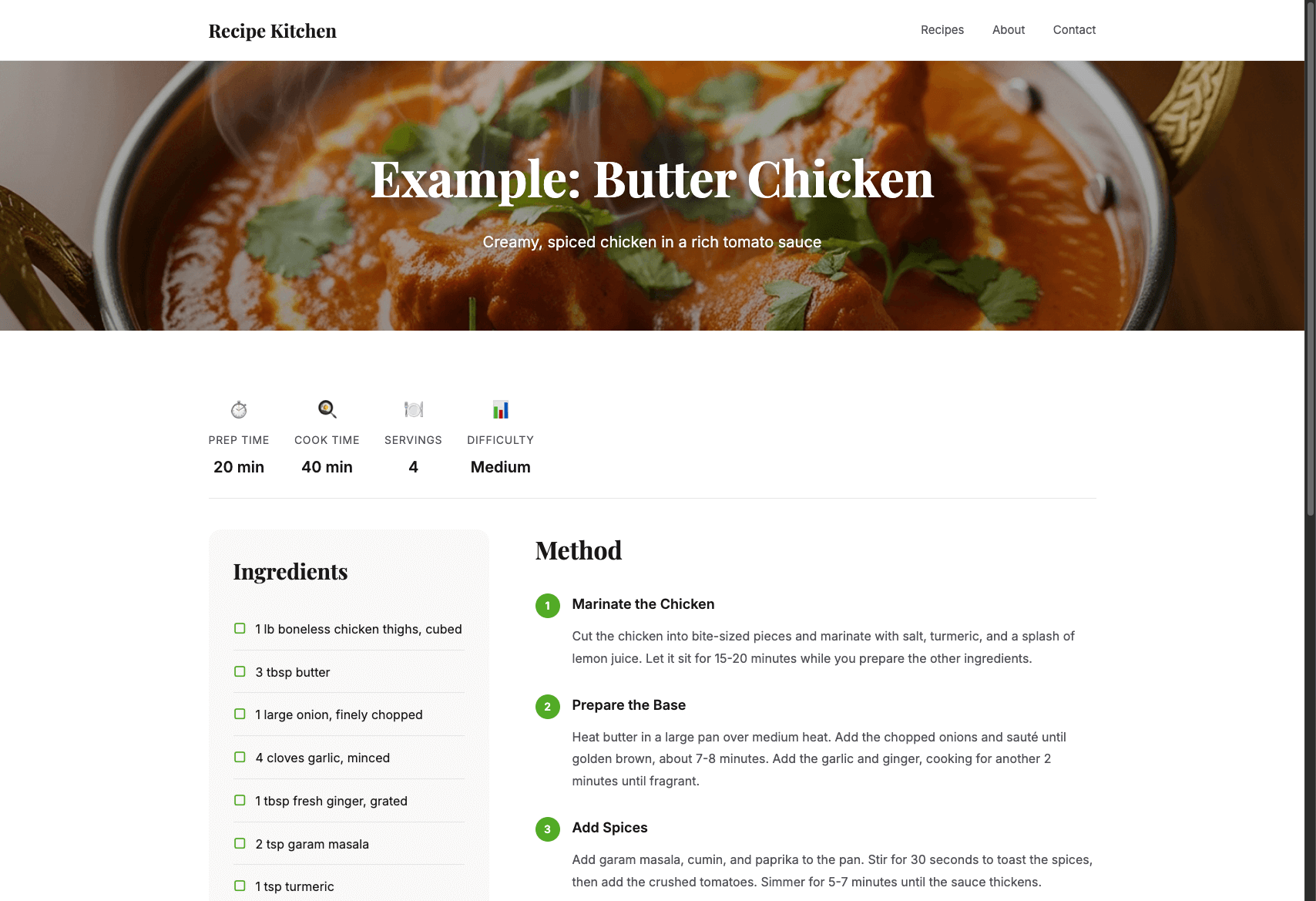
Recipe Blogs & Websites

Recipe websites and food bloggers use our buttons to help readers instantly save ingredients to their shopping lists.

  • Automatic ingredient extraction
  • One-click recipe saving
  • Perfect for meal planning
View Live Preview
Recipe website with Listonic button

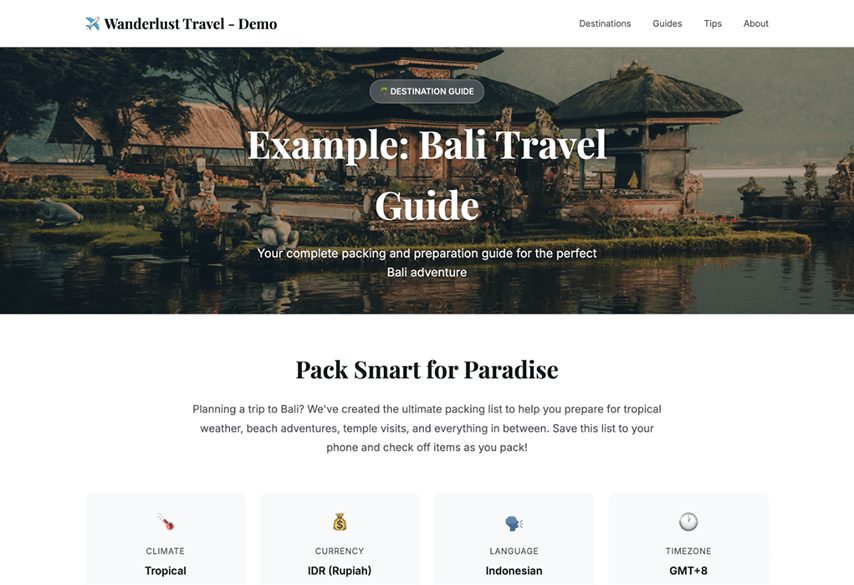
Travel Guides & Blogs

Travel websites help readers prepare for trips by saving packing lists, local shopping items, and destination essentials.

  • Destination packing lists
  • Local market shopping guides
  • Travel essentials reminders
View Live Preview
Travel guide with Listonic button

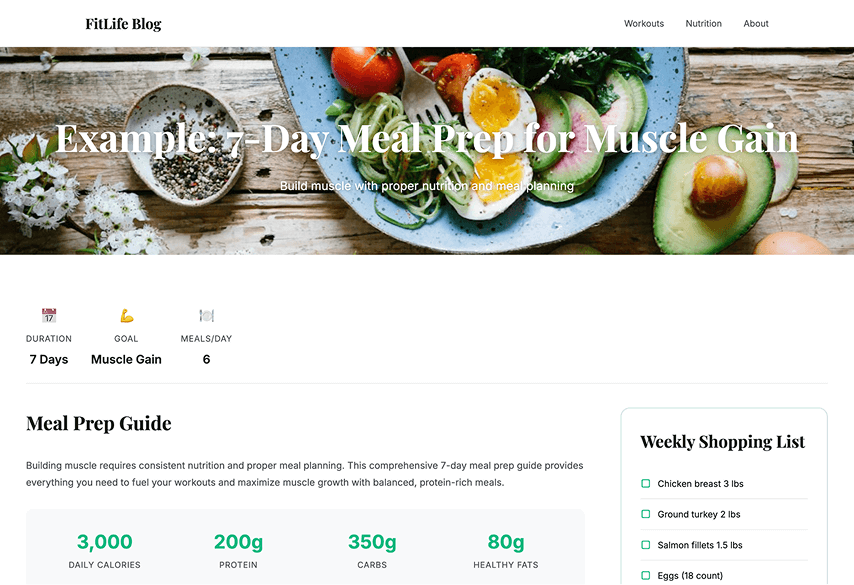
Fitness Blogs & Wellness Sites

Fitness websites help readers save meal prep ingredients, supplement lists, and healthy eating shopping guides.

  • Meal prep shopping lists
  • Nutrition plan ingredients
  • Supplement recommendations
View Live Preview
Fitness blog with Listonic button

Teacher Resources & Educational Sites

Educational platforms help teachers share classroom supply lists, project materials, and student resources with parents.

  • Classroom supply lists
  • Project material lists
  • Parent-teacher sharing
View Live Preview
Teacher resources with Listonic button

Questions?

The Listonic shopping list widget lets website visitors add products or ingredients directly to their Listonic shopping list without leaving your site. After a quick setup, the widget uses a lightweight JavaScript snippet to connect your content with the Listonic app, enabling one-click item saving on desktop and mobile.
The widget works on virtually any website or web application, including WordPress, custom HTML sites, and modern JavaScript frameworks. As long as you can insert JavaScript into the page, you can use the Listonic Add-to-List button.
The widget is fully customizable. You can adjust button text, colors, background styles, and icons so the Add-to-List button matches your website's design and branding. Styling can be applied across all widget instances on a page.
Yes. The widget works seamlessly on mobile devices and connects directly with the Listonic app, which is used by over 20 million users worldwide. This ensures a smooth experience regardless of screen size or platform.